 IPTV Go
Your IPTV, simple.
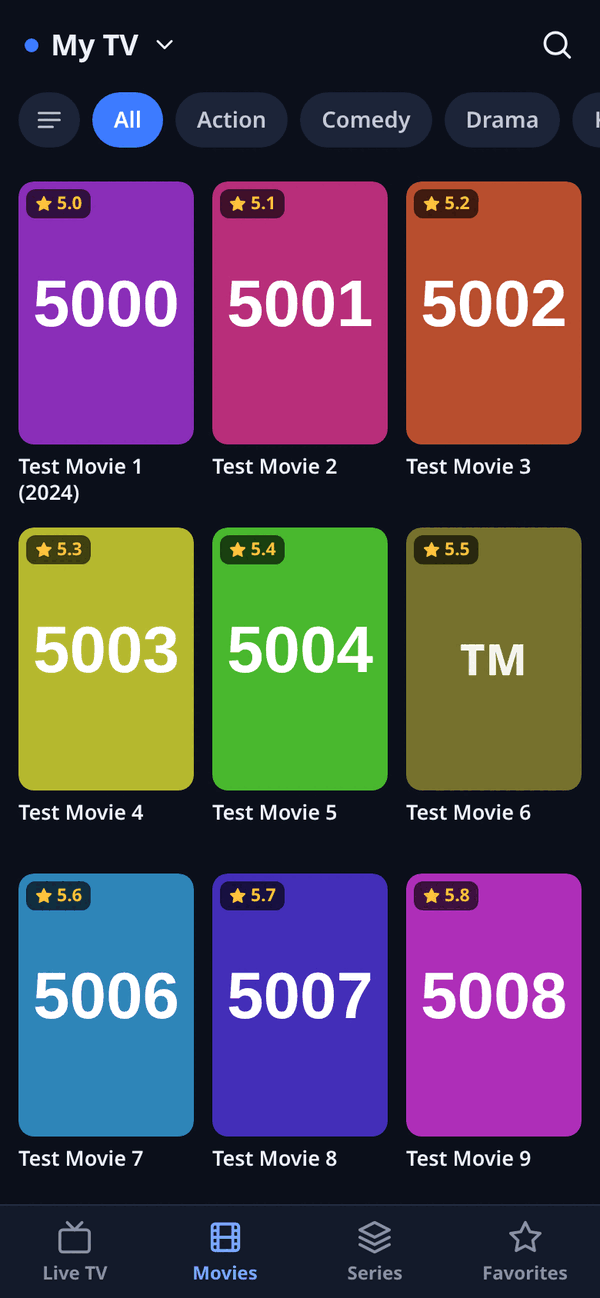
Add your playlist link, Xtream login or M3U file and watch. Channels with what's on now, movies, series and favorites – in as few taps as possible.
Download for Android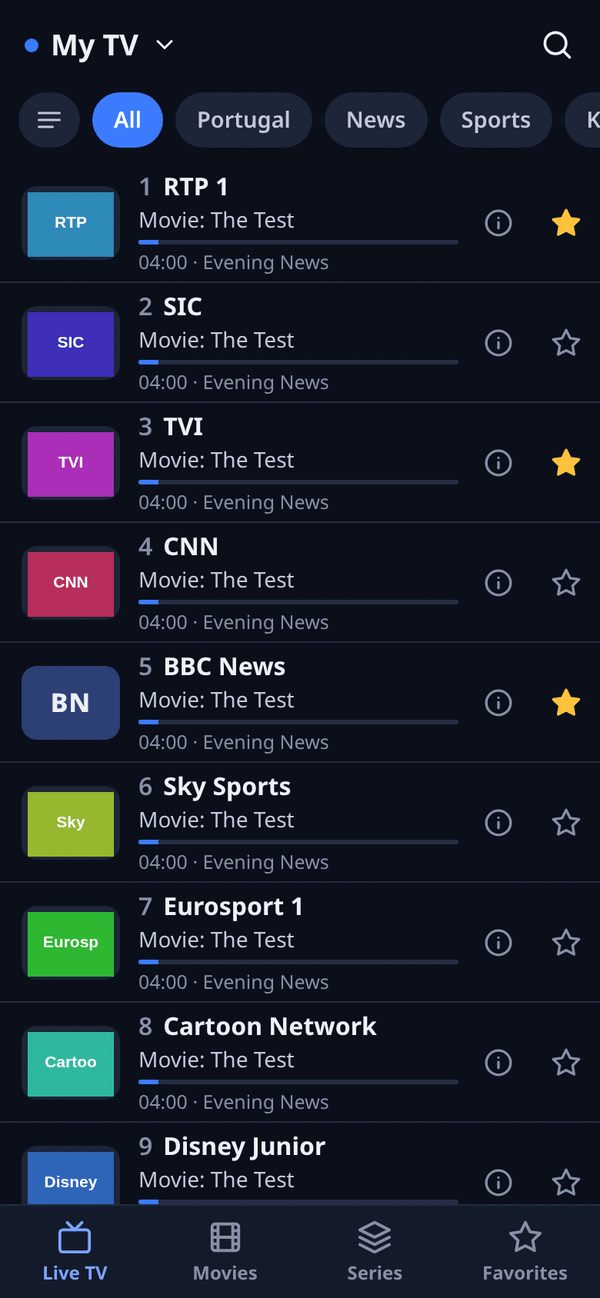
Made to be quick
Opens straight on the channels of your favorite playlist. Tap a channel and it plays.
TV guide on every channel: what's on, how far in, and what's next.
Pick up where you left off. The next episode starts by itself.
Star channels, movies and series – and your recent channels are one tap away.
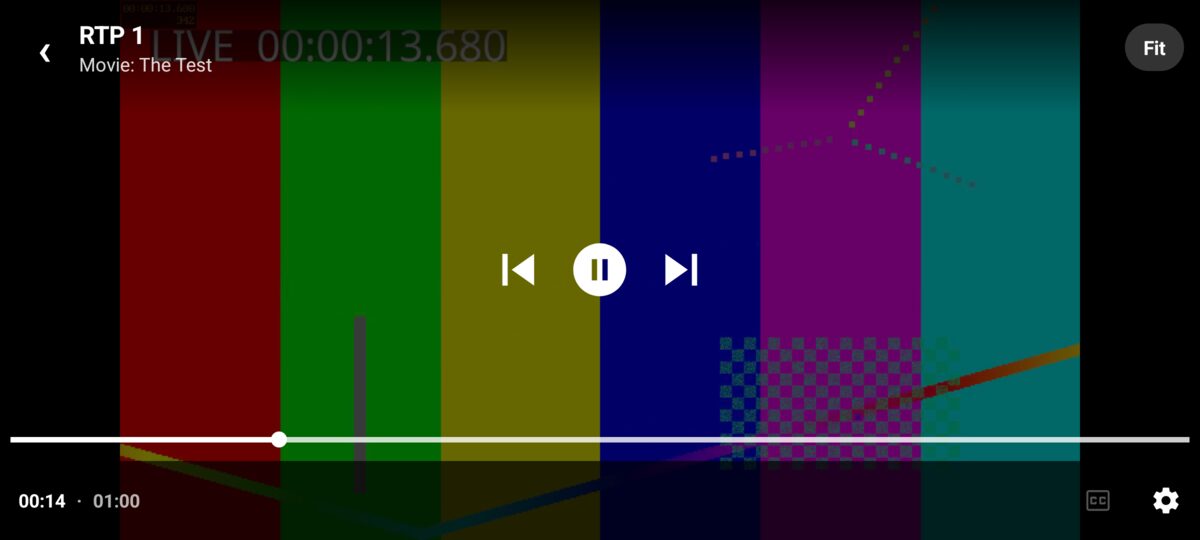
Swipe on the left for brightness, on the right for volume. Zap channels without leaving the video.
HLS, MPEG-TS, MP4, MKV, AC-3/E-AC-3/DTS audio. M3U links, Xtream Codes and files.
Install
- Download the APKUse the button above, on your phone or TV (Downloader app).
- Open the fileIf Android asks, allow installing apps from this source.
- Add your playlistM3U link, Xtream account (server, username, password) or a file.
IPTV Go is a player only: it doesn't include or sell any channels, playlists or content. Use it with playlists you're entitled to. Your playlists and passwords stay on your device.